Bengali Rupee Sign
U+09F3Bengali
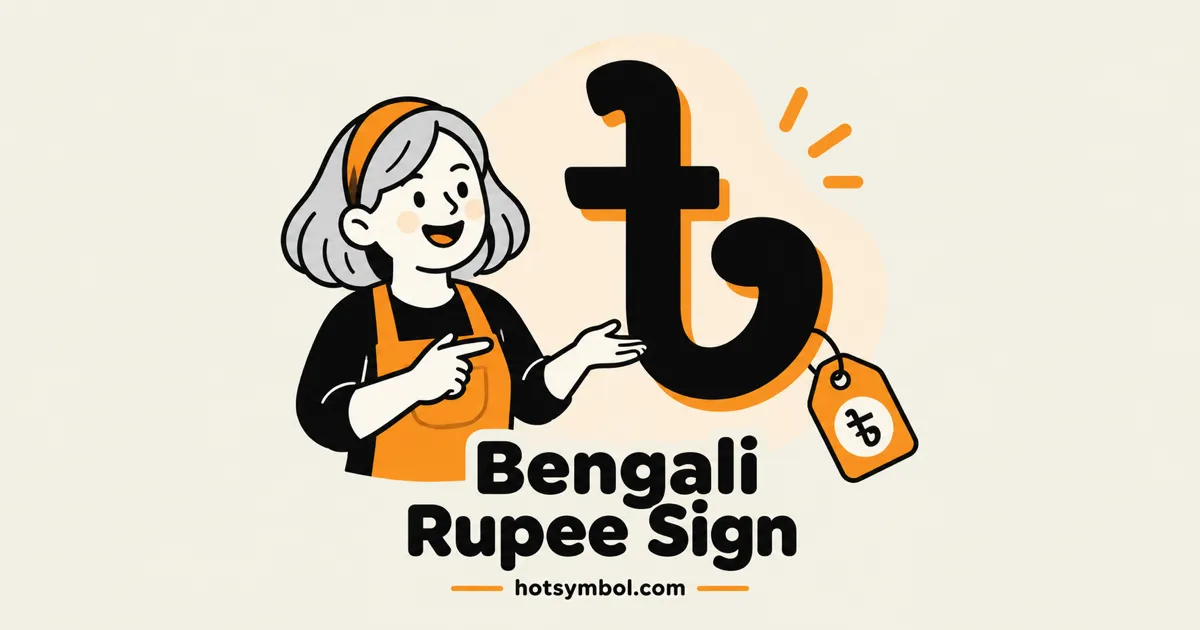
Copy and paste ৳. The Bengali Rupee Sign character has Unicode code point U+09F3 and decimal HTML code ৳.
Symbol codes
- Unicode
U+09F3- HTML Code
৳- CSS Code
\9F3- HEX Code
৳
Technical properties
Unicode 18.0.0
- Code point
- U+09F3
- Decimal
- 2547
- Unicode name
- BENGALI RUPEE SIGN
- Block
- Bengali · U+0980–U+09FF
- General category
- Currency Symbol (Sc)
- Script
- Bengali
- Introduced
- Unicode 1.1
- JavaScript
- "\u09F3"
Appears in
About Bengali Rupee Sign
৳ is encoded in Unicode as code point U+09F3 (decimal 2547). Its official Unicode name is BENGALI RUPEE SIGN.
It belongs to the Bengali block (U+0980–U+09FF), its General Category is Currency Symbol (Sc), and it was added in Unicode 1.1, released in 1993. Unicode assigns it to the Bengali script.
Sources: Unicode Character Database 18.0.0.
How to type or insert Bengali Rupee Sign
- Any device
- Select Copy symbol, then paste with Ctrl+V, or ⌘+V on a Mac.
- Microsoft Word
- Type
09F3, then press Alt+X. - macOS Character Viewer
- Press Control+⌘+Space and search for “bengali rupee sign”.
- Linux (GTK and IBus)
- Press Ctrl+Shift+U, type
09f3, then press Space. - HTML
৳. In a UTF-8 page you can also paste the character itself.- CSS
content: "\9F3";in a::beforeor::afterrule.- JavaScript
"\u09F3"
Common questions about Bengali Rupee Sign
What is the Bengali Rupee Sign?
৳ (Bengali Rupee Sign) is a currency symbol in Unicode’s Bengali block. Its code point is U+09F3, and it has been part of the standard since Unicode 1.1 (1993).
How do I copy and paste the Bengali Rupee Sign?
Select Copy symbol at the top of this page, then paste with Ctrl+V on Windows and Linux or ⌘+V on a Mac. On a phone, tap Copy symbol, then touch and hold where you want it and choose Paste. ৳ pastes as ordinary text, so it works in documents, messages, and code.
How do I type the Bengali Rupee Sign on Windows?
In Microsoft Word, type 09F3 and press Alt+X to turn the code into ৳. In any app, open Character Map from the Start menu, search for “bengali rupee sign”, then select and copy the character.
How do I type the Bengali Rupee Sign on a Mac?
Press Control+⌘+Space to open the Character Viewer, search for “bengali rupee sign”, and double-click the result to insert it.
How do I type the Bengali Rupee Sign on an iPhone or Android phone?
The simplest way is to copy it from this page and paste it where you need it. If you use it often, save it as a text shortcut: on iPhone, go to Settings > General > Keyboard > Text Replacement; with Gboard on Android, go to Gboard settings > Dictionary > Personal dictionary.
Can I use the Bengali Rupee Sign in Word, Google Docs, and social media?
Yes. ৳ is a standard Unicode character, so you can paste it into Microsoft Word, Google Docs, emails, and posts or bios on Instagram, X, Facebook, and TikTok. In Google Docs you can also choose Insert > Special characters and search for “bengali rupee sign”. In Word, choose Insert > Symbol > More Symbols, set from to Unicode (hex), and enter 09F3 as the character code.
Is the Bengali Rupee Sign an emoji?
No. ৳ is a text symbol, not an emoji. It takes the color and size of the surrounding text, and its exact shape depends on the font.
Why does the Bengali Rupee Sign show as a box or question mark?
An empty box or a question mark means the font on that device has no glyph for ৳. The character is still there: it appears correctly wherever a font covers Unicode’s Bengali block, and free font families such as Google Noto cover nearly all of Unicode.
What are the HTML and CSS codes for the Bengali Rupee Sign?
In HTML, write ৳ (decimal) or ৳ (hexadecimal). In CSS, use content: "\9F3"; in a ::before or ::after rule, and in JavaScript "\u09F3". See all HTML codes.